Order confirmation emails: Best practices to unlock their full potential

Order confirmation emails are transactional messages that online stores send to customers right after they complete a purchase. These emails verify the transaction, provide essential order details, and set clear expectations about shipping and delivery. While they serve a practical purpose, order confirmation emails also create a valuable touchpoint that can strengthen customer relationships and encourage future purchases. When done right, these messages achieve open rates above 60%, making them one of the most effective email types in your marketing toolkit.

Order confirmation emails that build trust and drive sales
Your customer just clicked "buy." Their credit card information went through, and now they're waiting for that reassuring message in their inbox. This moment matters. The order confirmation email to the buyer bridges the gap between purchase and product delivery, turning transaction anxiety into excitement.
At Growth Gurus, we've seen how powerful these emails can be for e-commerce brands. We're an e-commerce email marketing agency that helps online stores transform routine messages into revenue-driving opportunities. Through email marketing campaign management and strategic automation, we help brands create order confirmations that do the heavy lifting, building trust while opening doors for future sales.
Most online shoppers expect to receive confirmation within minutes of purchasing. When they don't, they start to worry. Did the payment go through? Will my order arrive on time? Is this store legitimate? Your order confirmation email answers these questions before customers even think to ask them.

What is an order confirmation email?
An order confirmation email is an automated message that ecommerce stores send immediately after someone completes a purchase. Think of it as a digital receipt with extra benefits. The email gives customers proof of purchase, contact information for support, and peace of mind that their order is being handled.
Here's what these emails typically include:
- Order number: A unique identifier for tracking and reference
- Product details: Itemized list with images, quantities, and prices
- Payment summary: Subtotal, shipping costs, taxes, and final total
- Shipping information: Delivery address and estimated arrival date
- Contact details: Support links and phone numbers
Order confirmation emails serve a dual purpose. They fulfill the practical need of confirming transaction details while creating an opportunity to reinforce your brand identity and encourage customer engagement. Every e-commerce email marketing order confirmation email strategy should recognize this balance between function and opportunity.
Why do order confirmation emails matter?
Order confirmation emails matter because they arrive at the exact moment when customer attention is at its peak. Someone just gave you their money. They're invested, engaged, and actually want to hear from you. This makes confirmation emails different from every other message you send.
These emails build immediate trust. When customers see their order details laid out clearly with an order number they can track, anxiety disappears. They know you're a real business that takes transactions seriously. This trust becomes the foundation for long-term customer relationships.
The best order confirmation emails also drive measurable business results. Since people actually open these messages, smart brands use them to showcase related products, share social media links, or promote loyalty programs. You're working with a captive audience that's already proven they'll buy from you.
Beyond trust and engagement, confirmation emails reduce support tickets. When customers have all the information they need, like order number, shipping timeline, return policy, and support contact, they don't need to reach out with basic questions. This saves your team time while keeping customers happy.
Essential components of order confirmation emails
Every effective order confirmation email includes several key elements that customers expect to see.
The must-have elements include:
- Clear subject line: Something simple like "Order Confirmed - #12345" works perfectly
- Order number: Prominently displayed at the top for easy reference
- Product list: Complete itemized breakdown with images, quantities, sizes, and prices
- Pricing details: Subtotal, shipping costs, taxes, discounts, and final total
- Addresses: Both shipping and billing addresses are clearly displayed
- Delivery timeline: Estimated shipping and delivery dates with tracking information
- Support access: Contact information and customer support links
Display both the shipping address and billing address clearly. Customers want to verify you're sending products to the right location. If these addresses differ, that's especially important to confirm.
Add estimated shipping and delivery dates. Setting clear expectations prevents customers from wondering when their package will arrive. If you have tracking capabilities, explain when and how they'll receive tracking information.
Order confirmation emails best practices
Send the order confirmation immediately after the purchase
Timing is everything with confirmation emails. Send them within seconds of purchase completion. Customers expect instant confirmation, and any delay creates doubt. Using Klaviyo email marketing automation, you can trigger these emails the moment a transaction processes.
When someone completes checkout at 3pm, they should see your confirmation before they close their browser tab. This immediate response reassures them that everything worked correctly and their order is already being processed. Delays make customers worry and lead to unnecessary support inquiries.
Here's why immediate delivery matters:
- Reduces customer anxiety about whether the payment went through
- Prevents duplicate orders from worried customers
- Shows professionalism and technical competence
- Captures attention while customers are still thinking about their purchase
Set up your email system to send confirmations automatically without manual intervention. This removes human error from the equation and ensures consistent delivery regardless of when orders come in. Your automation should work 24/7, even during holiday rushes when order volume spikes.
Focus on the order and shipping details
Your confirmation email has one primary job: confirming the order. Keep the focus on this essential information rather than cluttering the message with promotional content. Customers want to review their purchase details, verify their shipping address, and save their order number.
Structure the email so that the most important information appears first. Put the order number at the top, followed by the product list and shipping details. Save secondary content like product recommendations or social media links for the bottom of the email.
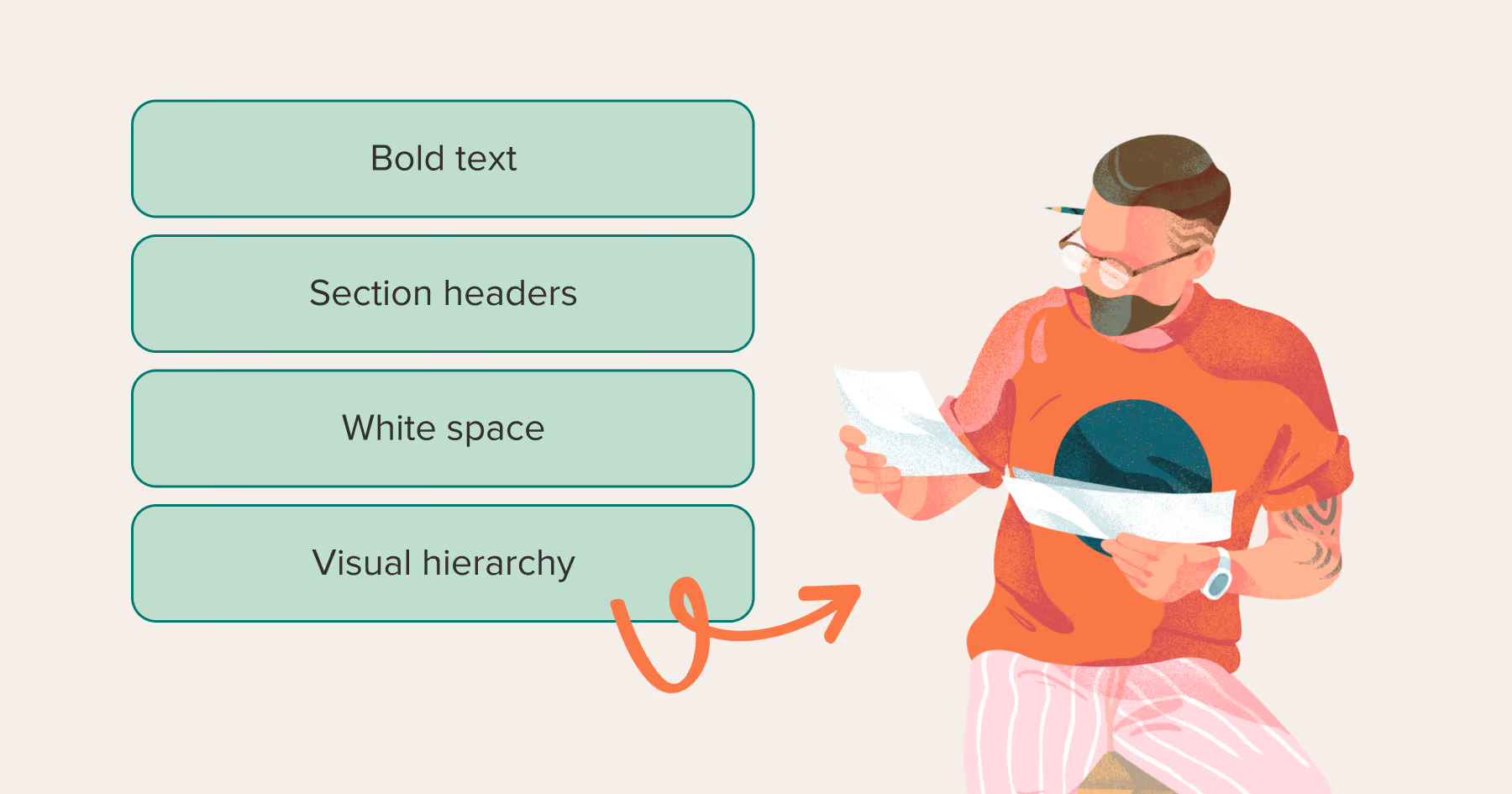
Use clear formatting that makes information easy to scan:
- Bold text for critical details like order numbers and delivery dates
- Section headers to organize different types of information
- White space so the email doesn't feel overwhelming
- Visual hierarchy that guides eyes to the most important elements
Remember that customers might return to this email multiple times during the delivery process. They'll pull it up to check the order number when tracking their package or reference it when contacting support. Make sure the essential details are always easy to locate.
Use positive messaging in the email
Your confirmation email should celebrate the purchase and build excitement. Use language that makes customers feel good about their decision to buy from you. Instead of dry, transactional copy, inject personality and enthusiasm into your messaging.
Try opening with something like "Great choice! Your order is confirmed" rather than just "Order #12345." This small change makes the email feel more human and less robotic. Throughout the message, use friendly language that reflects how real people communicate.
Ways to add positivity to your confirmation emails:
- Thank customers genuinely for their purchase
- Build anticipation with phrases like "Your new items are on the way!"
- Use exclamation points (sparingly) to convey excitement
- Acknowledge their good taste in choosing specific products
- Express enthusiasm about getting their order to them quickly
Build anticipation for the product's arrival. Use phrases like "Get ready for delivery" to maintain the excitement from the moment. The goal is to keep customers happy about their decision while they wait for their products to arrive.
Be consistent with your brand's voice and style
Your confirmation email should sound like every other message you send. If your brand voice is playful and casual, don't suddenly become formal and corporate in your order confirmations. Consistency builds brand recognition and trust across all touchpoints.
Match your email design to your website and other marketing materials. Use the same color palette, fonts, and logo placement that customers see throughout their shopping experience. When the confirmation email looks like your brand, it reinforces legitimacy and professionalism.
This consistency extends to tone, language choices, and even punctuation style:
- If you use exclamation points liberally in marketing emails, do the same in confirmations
- If you typically address customers by first name, continue that practice here
- If your brand is formal and professional, maintain that tone throughout
- If you're quirky and fun, let that personality shine in every email
Working with an e-commerce email marketing agency like Growth Gurus helps ensure brand consistency across all email types. When your entire email program reflects a unified voice, customers develop stronger connections with your brand identity.
Add answer FAQs in the order confirmation email
Include a short FAQ section that addresses common post-purchase questions. This proactive approach reduces support inquiries and gives customers quick answers when they need them. Focus on the questions that come up most frequently after checkout.
Common topics to cover:
- How do I track my order?
- What's your return policy?
- How can I change my shipping address?
- When will my card be charged?
- Can I cancel or modify my order?
Keep your FAQ section concise. Three to five questions with short answers work well. If customers need more detailed information, include links to your help center or relevant policy pages. The goal is to address immediate concerns without overwhelming the email.
Position the FAQ section toward the middle or bottom of the email, after the essential order details. This placement ensures customers see their order information first while still making helpful information accessible within the same message.
Include a prominent link to customer support
Make it extremely easy for customers to contact you if something goes wrong or they have questions. Include a clearly visible customer support link or button that stands out from surrounding content. Use action-oriented text like "Need Help?" or "Contact Support" rather than generic "Customer Service" labels.
Consider including multiple contact options so customers can choose their preferred method:
- Email support: Direct link to support inbox
- Phone number: With hours of availability listed
- Live chat: If you offer real-time assistance
- Help center: Link to self-service resources
Place at least one support link near the top of the email and another near the bottom. This ensures customers can easily find help regardless of where they are in the message. You might also include support information within the FAQ section.
The best buy order confirmation email examples always make customer support accessible without requiring customers to navigate away from the email to find contact information. Everything they need should be right there in the message.
Give reasons for people to stick with your brand
Your confirmation email can encourage repeat purchases without being pushy. Include subtle elements that keep customers engaged with your brand beyond this single transaction. This might include links to your social media profiles, an invitation to join your loyalty program, or information about your mobile app.
Share your brand story or values in a brief, authentic way. Maybe you donate a portion of profits to charity, use sustainable materials, or support local artisans. These details create emotional connections that transform one-time buyers into loyal customers.
Smart ways to encourage ongoing engagement:
- Suggest one or two complementary products that enhance their purchase
- Invite them to follow you on Instagram or TikTok
- Highlight your loyalty program benefits
- Share a quick customer testimonial or review
- Mention your mobile app with a download link
Consider including a personal note from the founder or team. This human touch differentiates your brand from corporate giants and makes customers feel like they're supporting real people. Keep it genuine and avoid overly promotional language.
Optimize the order confirmation email for mobile phones
Over half of all emails are opened on mobile devices, so your confirmation must look great on small screens. Test your email design on multiple phone types and sizes before deploying it. What looks perfect on a desktop might be unreadable on mobile.
Use a single-column layout that stacks content vertically. Multi-column designs often break on mobile, forcing users to zoom and scroll horizontally. Keep your design simple and mobile-friendly from the start.
Mobile optimization checklist:
- Use at least a 14-pixel font size for body text
- Make buttons and links large enough to tap (44 pixels minimum)
- Test on actual phones, instead of just design tools
- Keep important information above the fold
- Compress images for faster loading
- Avoid tiny text that requires zooming
Choose font sizes that are readable on small screens without zooming. Body text should be at least 14 pixels, and headers even larger. Test your email on an actual phone rather than just using responsive design tools. Real-world testing reveals issues that simulators miss.
A/B test your order confirmation emails
Don't assume your first version is perfect. Test different elements to find what resonates best with your audience. Try different subject lines, email layouts, call-to-action placements, and product recommendation strategies. Small changes can produce surprisingly large improvements.
Test one element at a time so you can measure its specific impact. If you change the subject line and the layout simultaneously, you won't know which change drove results. Use Klaviyo email marketing features to set up controlled tests that isolate variables.
Elements worth testing:
- Subject line variations
- Order detail formatting
- Product recommendation placement
- Call-to-action button colors and text
- FAQ section length
- Support link visibility
Focus on metrics beyond open rates. While important, you should also track click-through rates, support ticket volume, product recommendation conversions, and customer satisfaction scores. These metrics reveal how well your confirmation emails serve both business and customer needs.
Give tests enough time to produce statistically significant results. Running a test for only a day or two might not capture normal customer behavior patterns. Let tests run for at least two weeks across different days of the week to gather reliable data.

Conclusion
Order confirmation emails deserve the same attention you give to promotional campaigns. These messages reach customers at a crucial moment when they're most engaged with your brand. By following these best practices, you transform routine confirmations into powerful tools that build trust, reduce support costs, and drive additional revenue.
Growth Gurus specializes in helping e-commerce brands optimize every aspect of their email strategy, including transactional messages that often get overlooked. When you treat confirmation emails as strategic opportunities rather than technical necessities, you create better experiences that keep customers coming back.
Remember that great confirmation emails are clear, timely, on-brand, and helpful. They confirm the practical details while reinforcing why customers chose your store in the first place. Start implementing these practices today, and watch how a simple email can strengthen your entire customer relationship.
Frequently asked questions
What is the goal of an order confirmation email?

The primary goal is to confirm that a customer's purchase was processed successfully and to provide all essential transaction details. These emails also build trust, set delivery expectations, reduce customer anxiety, and create opportunities for ongoing engagement. When designed strategically, confirmation emails strengthen brand relationships and encourage repeat purchases while serving their practical purpose.
How to send a confirmation email for an order
Set up automated workflows through your e-commerce platform, like Klaviyo for email marketing. Configure the system to trigger confirmation emails immediately when transactions complete. Include all essential elements: order number, product details, shipping information, and contact details. Test the automation thoroughly before going live to ensure customers receive accurate, timely confirmations every time.
How to write an order confirmation email subject line
Keep subject lines simple, clear, and informative. Include the phrase "Order Confirmed" or "Order Confirmation" along with the order number. Examples include "Order Confirmed - #12345" or "Your Order is Confirmed!" Avoid clever or vague subject lines that might confuse customers. The subject should immediately communicate that this email confirms their purchase and contains important order information.
Recent Blog Post


Ready to grow your business?
If you want your business to experience more sales and faster growth, all you need to do is book a meeting with us today.